
(How Do I Make a Flying Car AI Video?)
Recently, Tesla unveiled a flying car at a launch event, and it quickly became a viral sensation.
What if we want to make our own car fly just like the one in the launch event video?
There's a way to do it. We can use AI to make it happen.
Step 1: Open the Tool
Open the Tesla Roadster AI Video Generator: https://roadster-ai.net
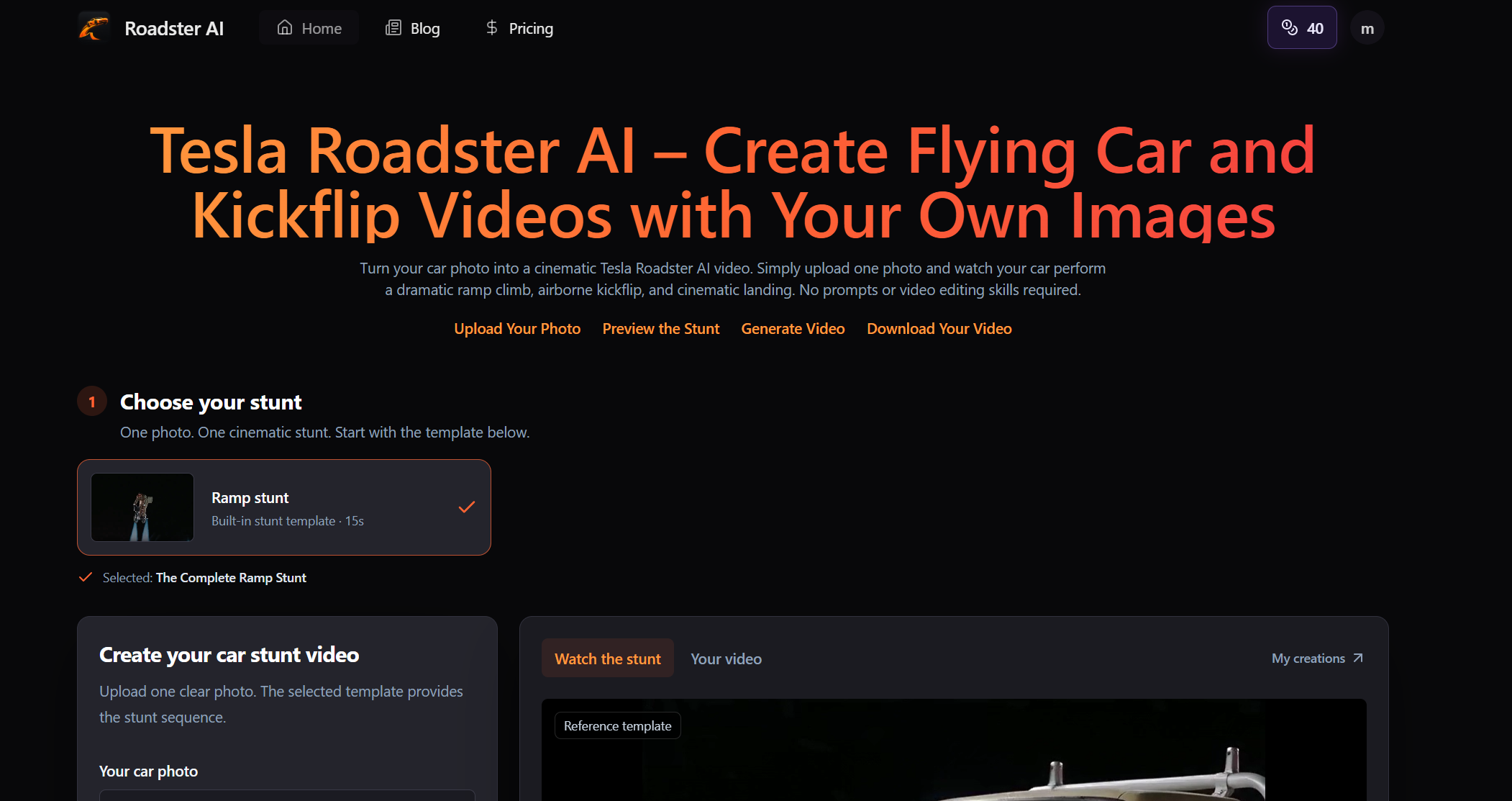
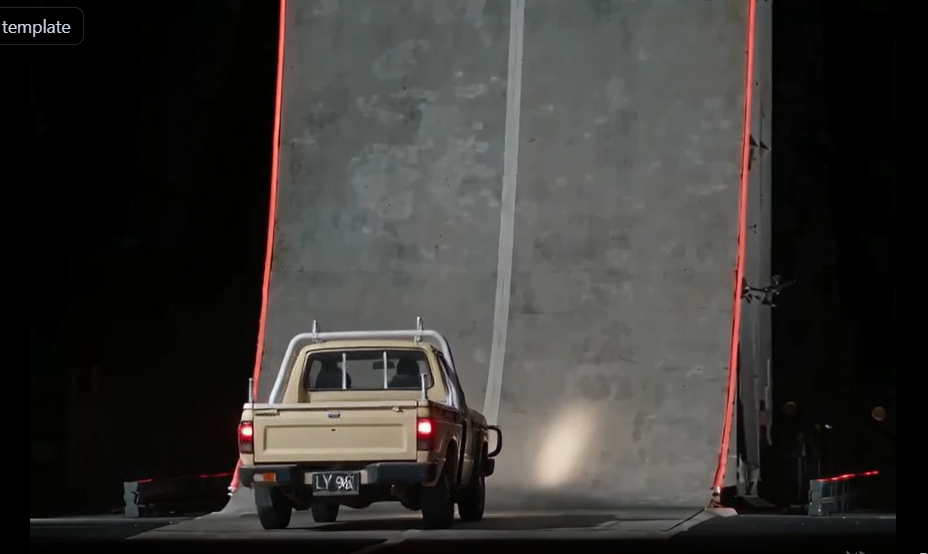
Choose the video template you want to recreate, such as this classic ramp-jump template.
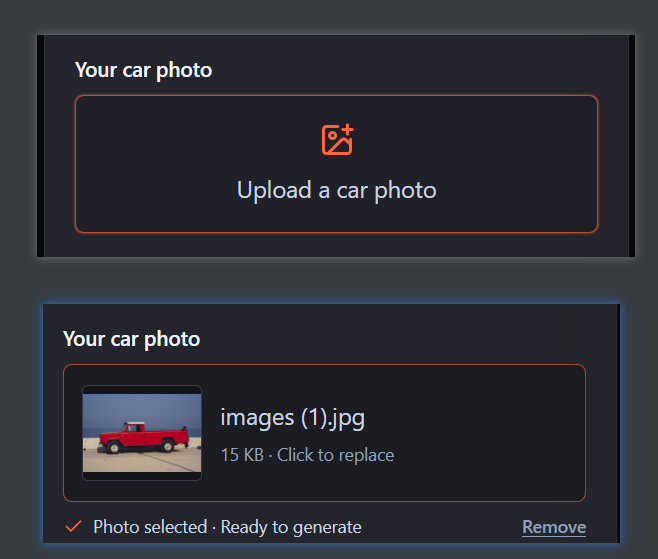
Step 2: Upload Your Car Photo
Click the upload button and upload a photo of your own car.
Make sure the photo is clear and doesn't contain too many distracting objects, as these may affect the tool's ability to recognize your car.
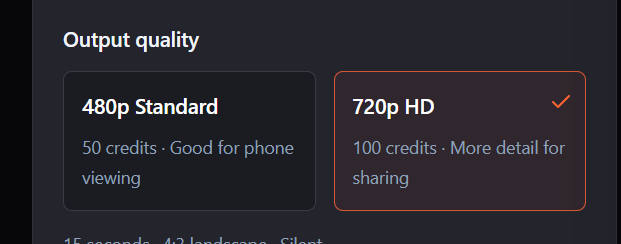
Step 3: Choose the Video Resolution
The tool currently offers two resolution options: 480p and 720p.
480p is suitable for viewing on smaller screens, but it may not look very sharp on larger displays.
Choose the resolution that best suits your needs.
Step 4: Start Generating
Once you've selected a template, uploaded your photo, and chosen the resolution, simply click the Generate button.
Wait approximately 3–10 minutes, and your own flying car video will be ready.
Here are some examples of the generated results:
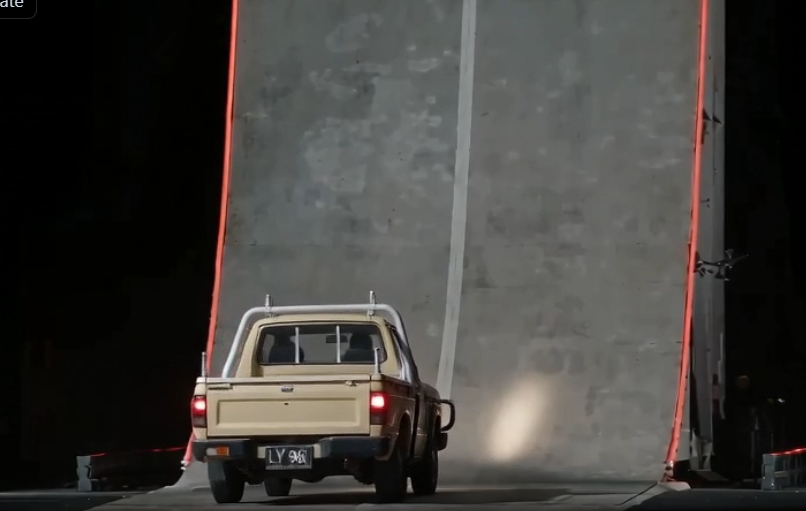
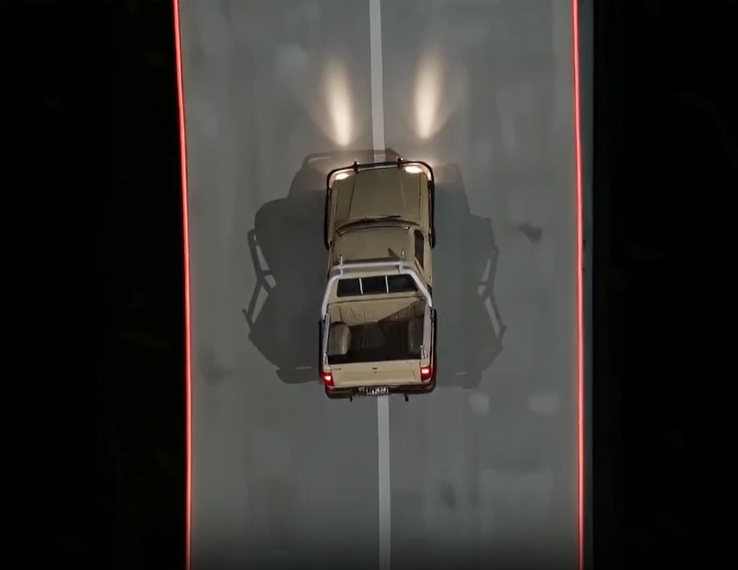
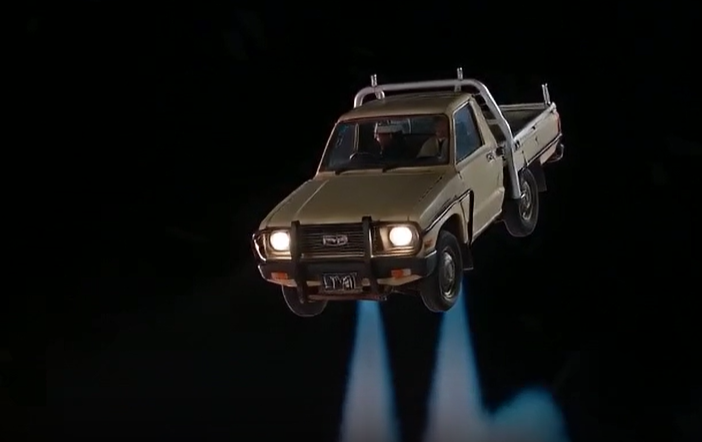
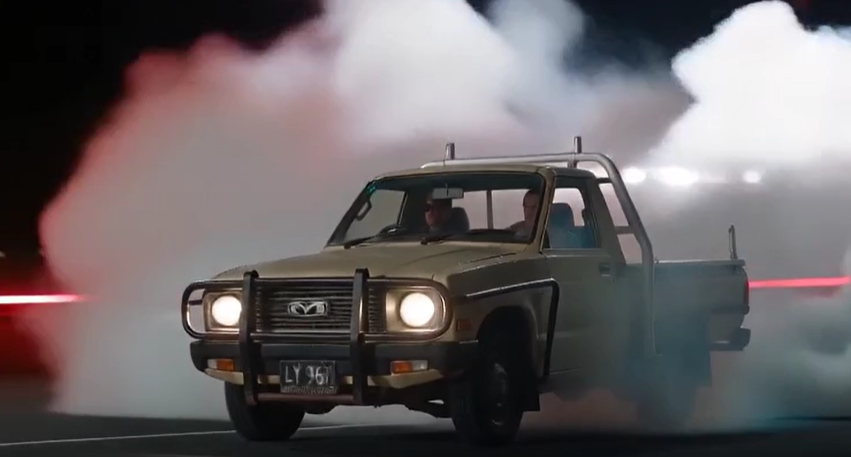
One thing worth mentioning is that the Tesla Roadster AI Video Generator currently offers a free preview.
You can upload a photo of your own car and generate a 4-second preview video.
FAQ
Can I use any car photo to make a Tesla Roadster AI video?
You can only use photos of your own car or cars that do not involve any copyright disputes.
Will the AI video look like my actual car?
The generator provides sample videos to demonstrate its results. It does its best to recreate the appearance of your actual car, sometimes even reproducing the license plate.
You can generate a preview first and then decide whether to create the full video.
Can I make a Tesla Roadster AI video for free?
You can only generate a free 4-second preview video.
You can use the free preview to get an initial idea of the video quality before deciding whether to generate the full version.
How long does it take to generate the video?
It usually takes about 3–10 minutes.
The final video length may vary depending on the template you choose.
What if my AI car video doesn't look right?
We recommend checking the sample videos on the tool's official website. The preview results represent the kind of output the tool currently produces.
If the sample videos don't meet your expectations, we recommend not proceeding with a full generation.
Can I make a Tesla Roadster AI video with a different car?
Yes, you can use any type of car. It doesn't have to be a Tesla.
You can even use a bicycle, motorcycle, or skateboard.
What kind of car photo works best?
A clear photo with as few distracting objects as possible works best. Ideally, your car should be the only vehicle in the photo.
For example, if your photo contains two cars, the generation result may be unpredictable.
Can I post my AI car video on TikTok or YouTube Shorts?
Yes, you can post it on these platforms.
The videos generated by the tool are silent, so you can simply choose a trending song to add as background music when publishing.
Can I download my Tesla Roadster AI video?
You can download your generated videos as many times as you like, with no download limits.
Does the AI video keep my car's original color and design?
Yes, the AI video preserves your car's original appearance and color. We've tested this multiple times.
Can I use AI-generated car videos for commercial purposes?
Yes, you can use the AI-generated videos for commercial purposes.
How much does it cost to make a Tesla Roadster AI video?
The tool offers the following pricing options:
- $6.99 for one Standard video (480p).
- $9.99 for one HD video (720p) or two Standard videos (480p).
- $16.99 for two HD videos (720p).
- $24.99 for three HD videos (720p).